Scraping Images from GitHub to Find Seeds and Private Keys
Disclaimer
This tutorial utilises and showcases a paid software called BitShot; however, any other alternatives or similar OCR/computer vision software can be used to get the same results.
Introduction
We will start with collecting images from open source. The most obvious choice for showcasing would be the GitHub platform due to the big amounts of accessible images from various repositories' issues, commit messages, discussions and pull requests.
It's highly unlikely a wallet developer would use a seed containing their life savings for testing purposes and upload its screenshot somewhere on GitHub, but in our case we just need any samples amongst many other junk images only to detect valid ones.
Other sources like Pinterest or Flickr can be used as well to scrape big amounts of images, though the one who does this should be aware of big amounts of fake and scam screenshots being uploaded there on purpose.
If you have more ideas of open source destinations where big amounts of images could be downloaded and searched, please share them in comments below.
Step 1 — Scraping GitHub
So we will search GitHub with this Python script by keywords (a few classic GitHub tokens are required to put in the config file of this script).
$ python3 GitHub_pic_scraper.py

Created a config template at:

    /tmp/Images_Extractor/config.json

Open it, paste your GitHub tokens into `"tokens"` and your keywords into `"queries"`, then run this script again.
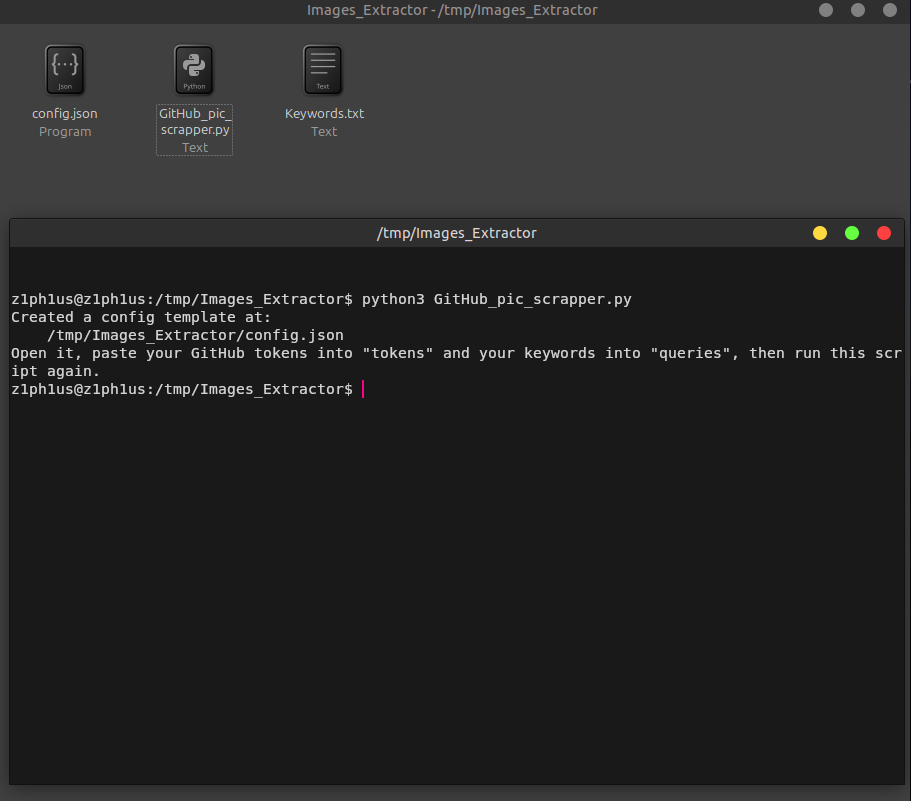 sorry for my misspelling of "scrapper", the github script is named correctly now
We fill config.json with our tokens and keywords. Keywords can be in any language, not only English, and they can be phrases as well, like "seed phrase" and "mnemonic phrase".
config.json
Default:
{
    "tokens": [
        "ghp_REPLACE_WITH_YOUR_FIRST_TOKEN",
        "ghp_REPLACE_WITH_YOUR_SECOND_TOKEN"
    ],
    "queries": [
        "dog",
        "cat"
    ]
}
Updated:
{
    "tokens": [
        "ghp_****************************************",
        "ghp_****************************************",
        "ghp_****************************************",
        "ghp_****************************************",
        "ghp_****************************************"
    ],
    "queries": [
        "mnemonic",
        "crypto wallet",
        "seed phrase"
    ]
}
You could utilize the full Keywords.txt from the repository where the script is located. It contains all crypto-related keywords DeepSeek bot could think of, though some non-English language strings might have misspellings.
We start the scraper now:
$ python3 GitHub_pic_scraper.py
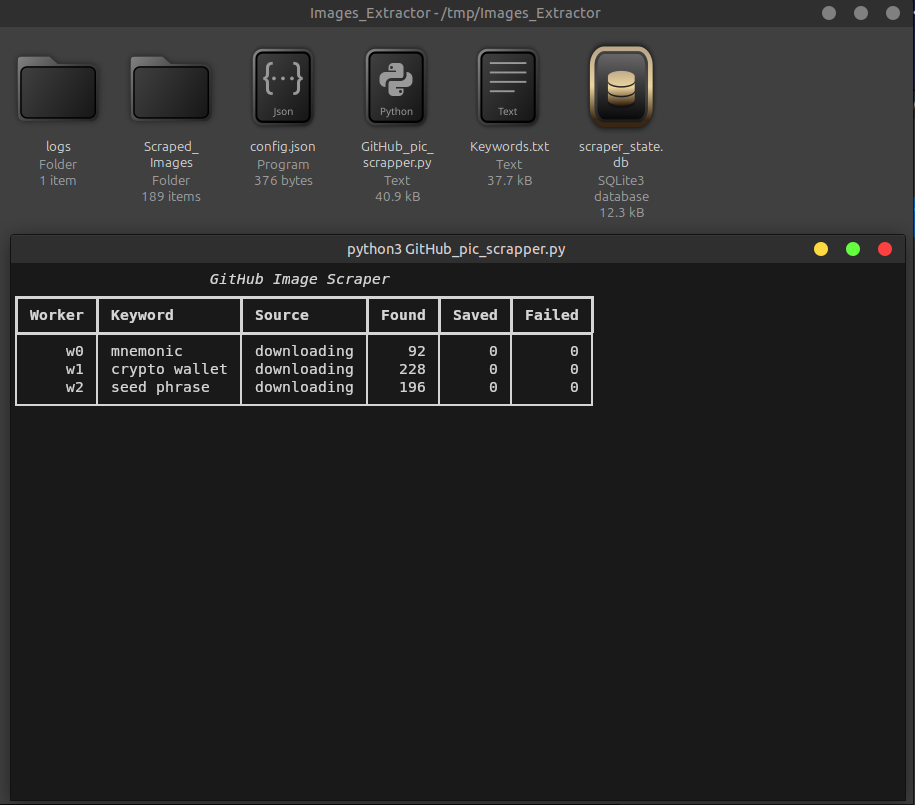
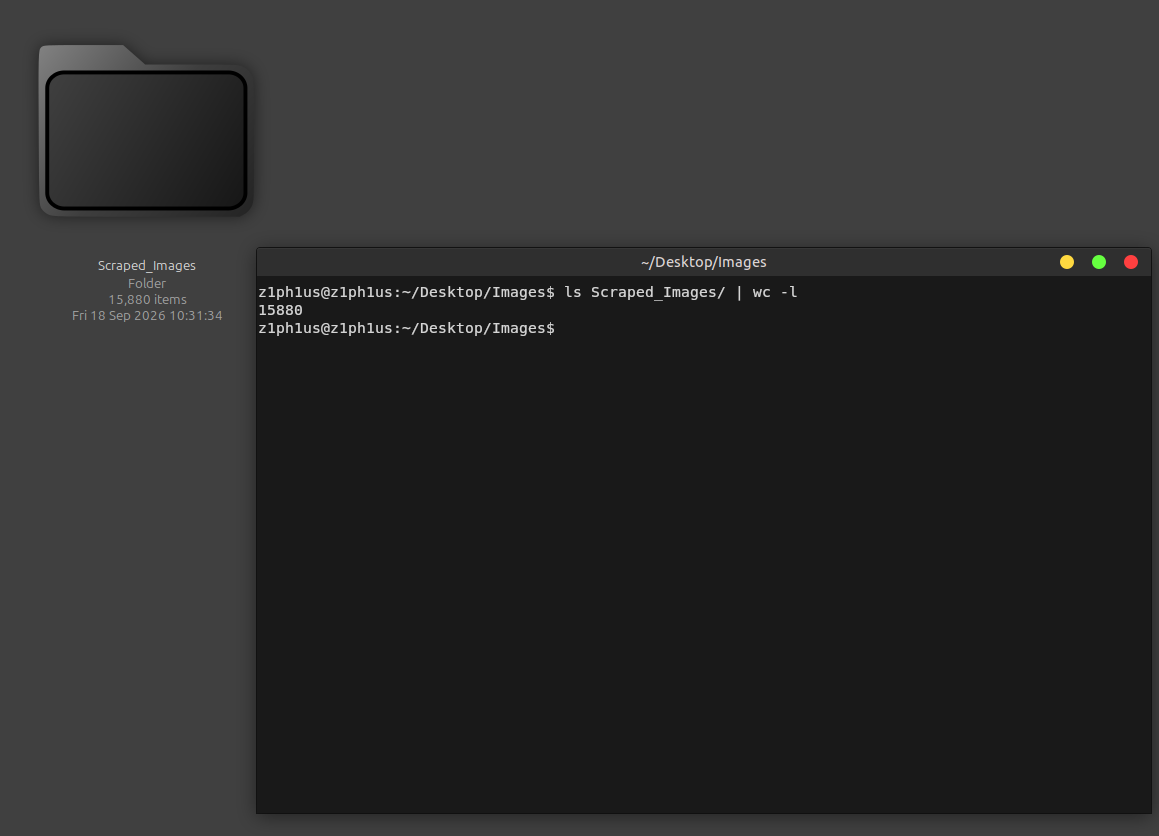
We wait for it to finish the run. Whatever it finds will be saved into the logs/ folder, downloaded images will be saved into the Scraped_Images folder, and the scraper_state.db will keep track of every URL found, so re-running the script later will download only new images.
After a while we will have our small result of 355 images. "2 already presented" means 2 duplicates were found and skipped, and "161 failed" means the image URL was found but the image itself was not there anymore / dead / broken / low size etc.
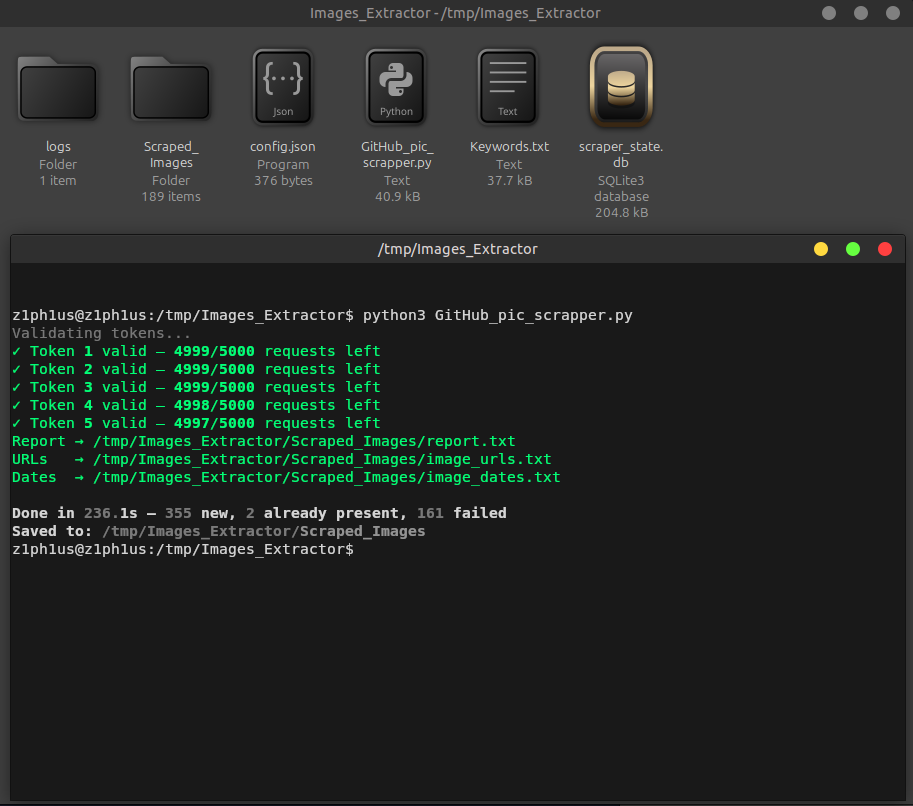
Report → /tmp/Images_Extractor/Scraped_Images/report.txt
URLs   → /tmp/Images_Extractor/Scraped_Images/image_urls.txt
Dates  → /tmp/Images_Extractor/Scraped_Images/image_dates.txt

Done in 236.1s — 355 new, 2 already present, 161 failed
Saved to: /tmp/Images_Extractor/Scraped_Images
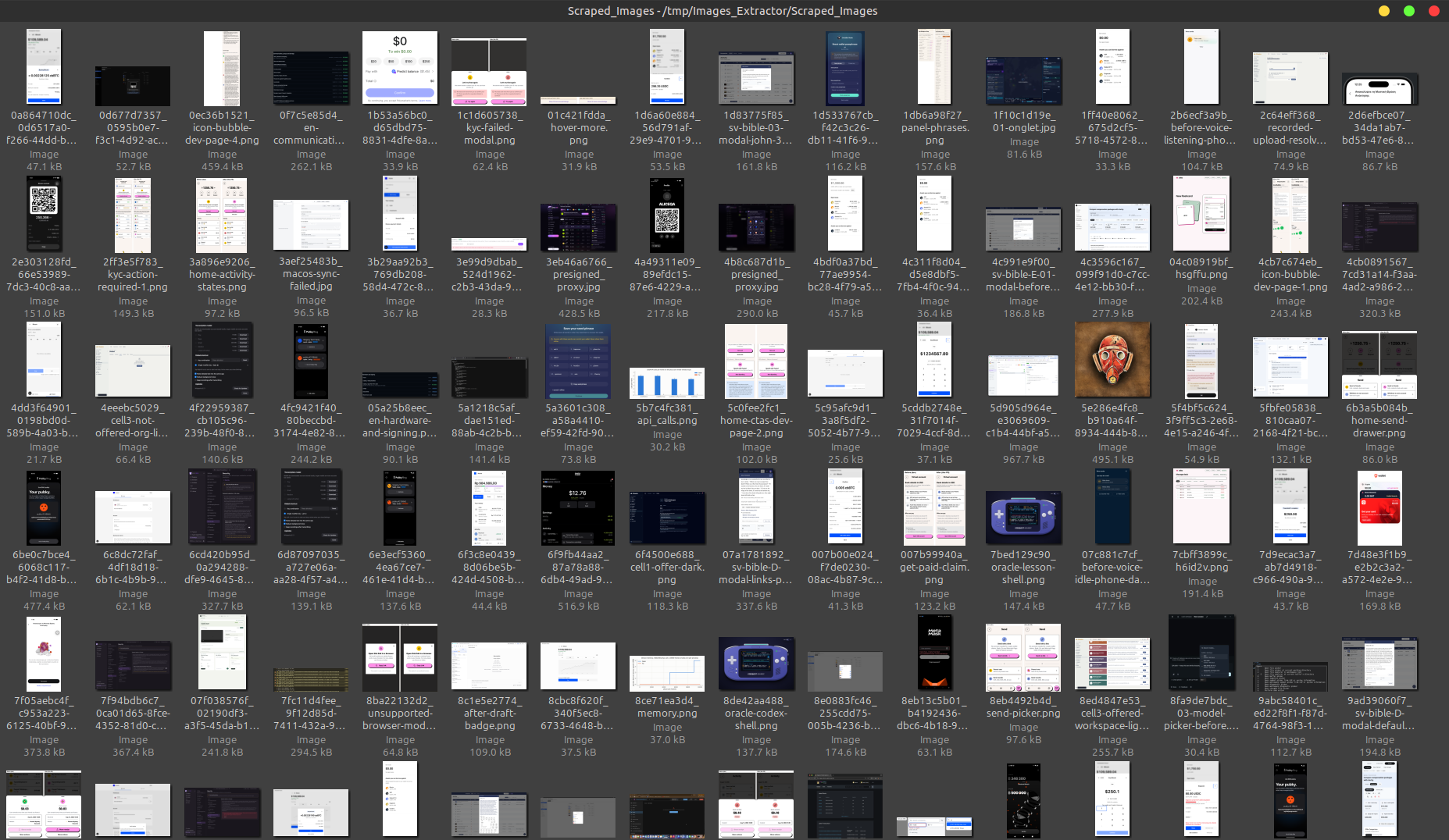
Since our data is not large, we can briefly observe the Scraped_Images folder to see it found some screenshots with seed phrases. Most of the other images would contain samples of various application UIs, designs, website screenshots, command lines and other boring developer stuff.
With the full keywords list from
Keywords.txtI was able to collect around 16k images from GitHub. We will return to that a bit later.
Step 2 — Running BitShot
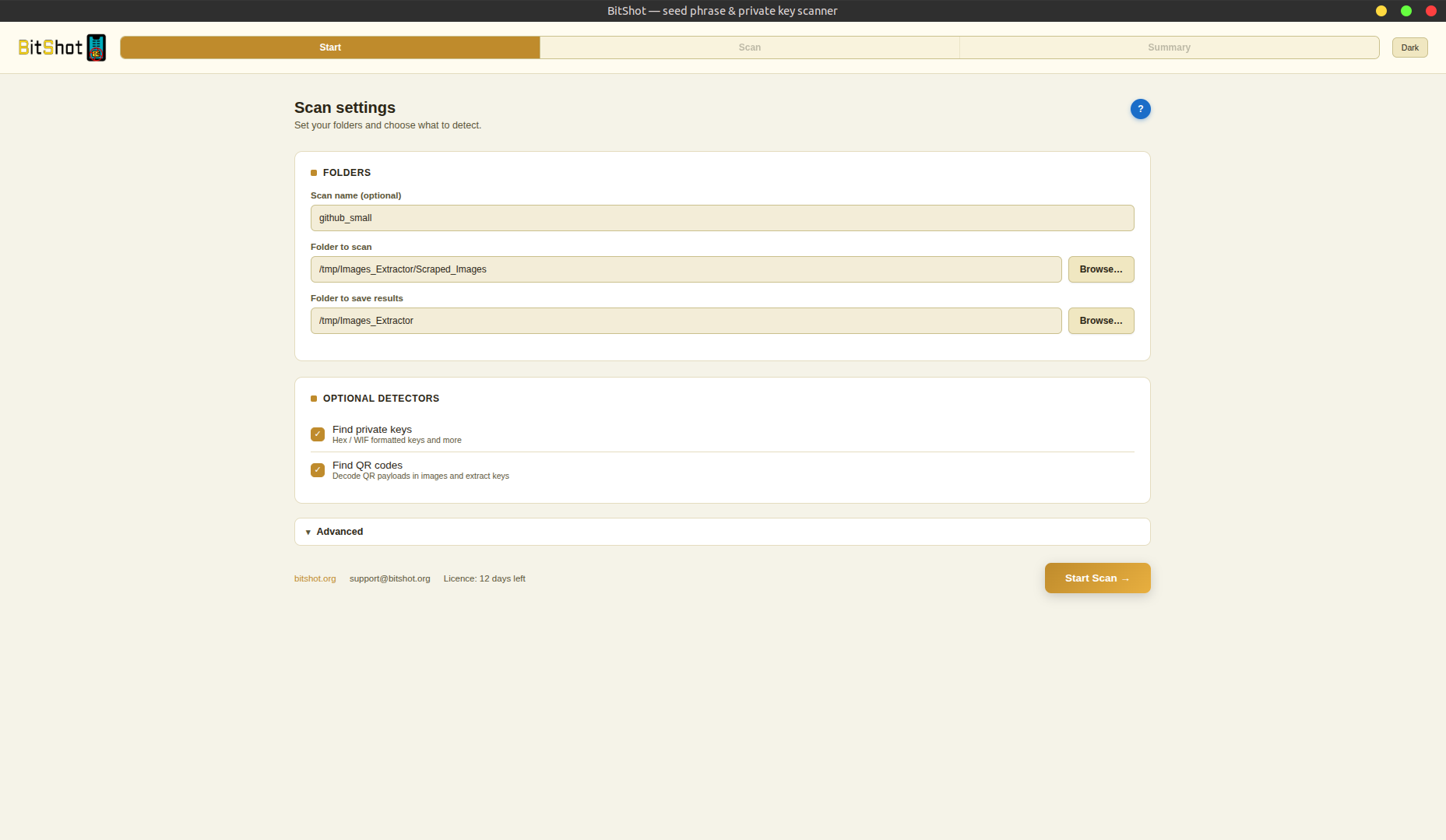
Next step is to run our BitShot app on this small set of 300+ images we just collected.
BitShot looks through datasets of images and finds seed phrases of various length and formats, private keys, and both of those encoded into QR codes.
I will start my GUI, choose the folder where we just collected images, set a folder to output results, check "Find QR codes" and click Start Scan.
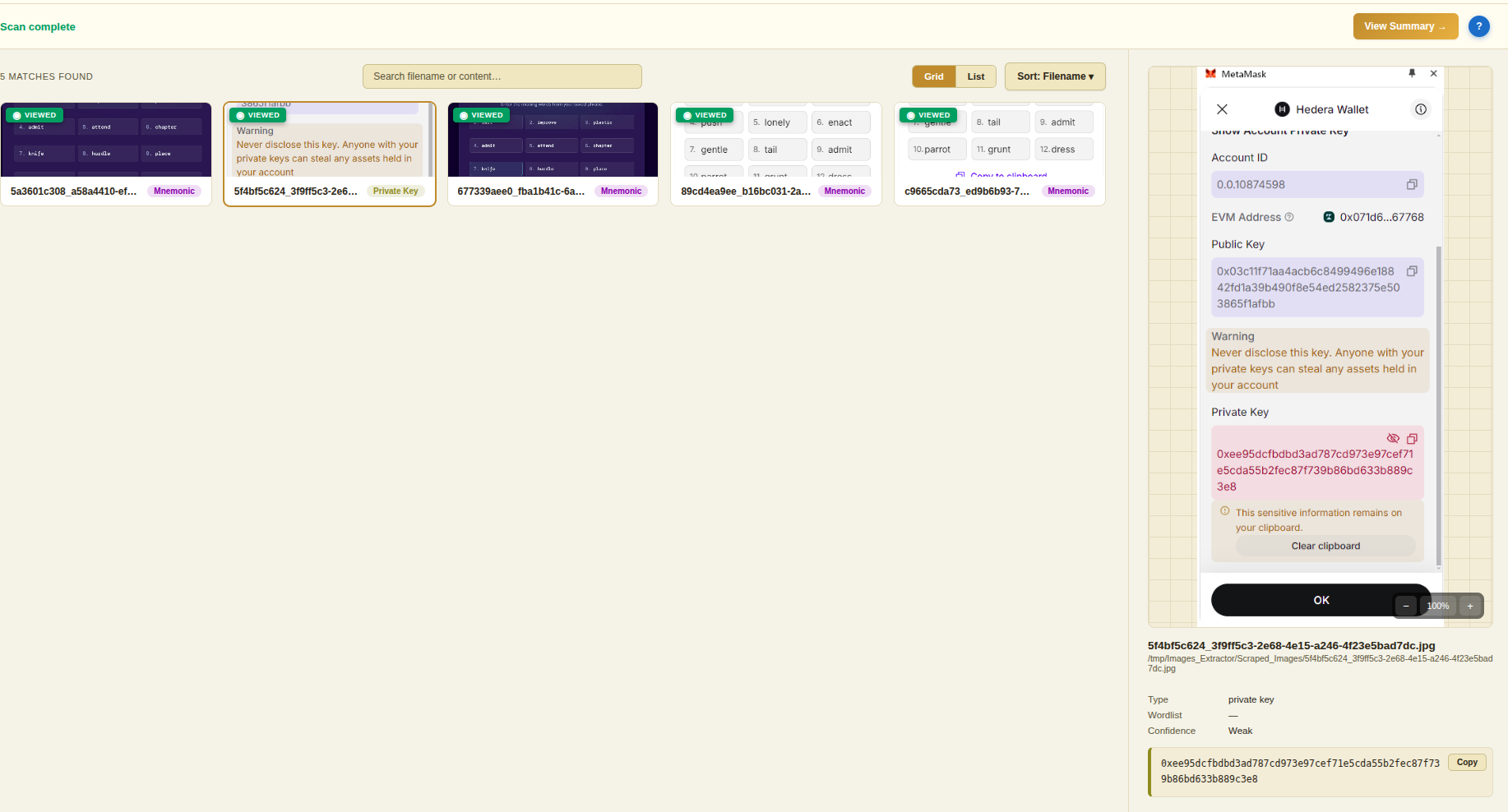
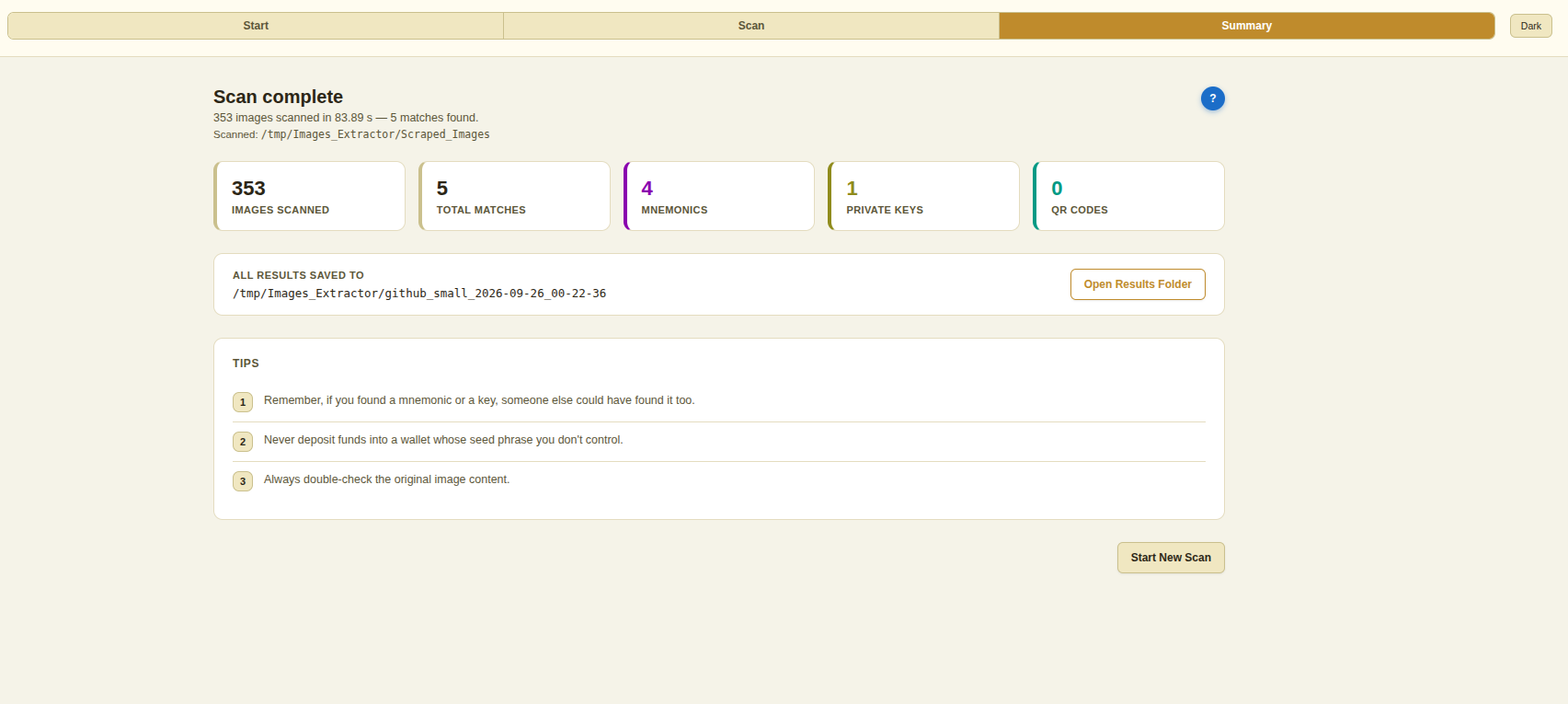
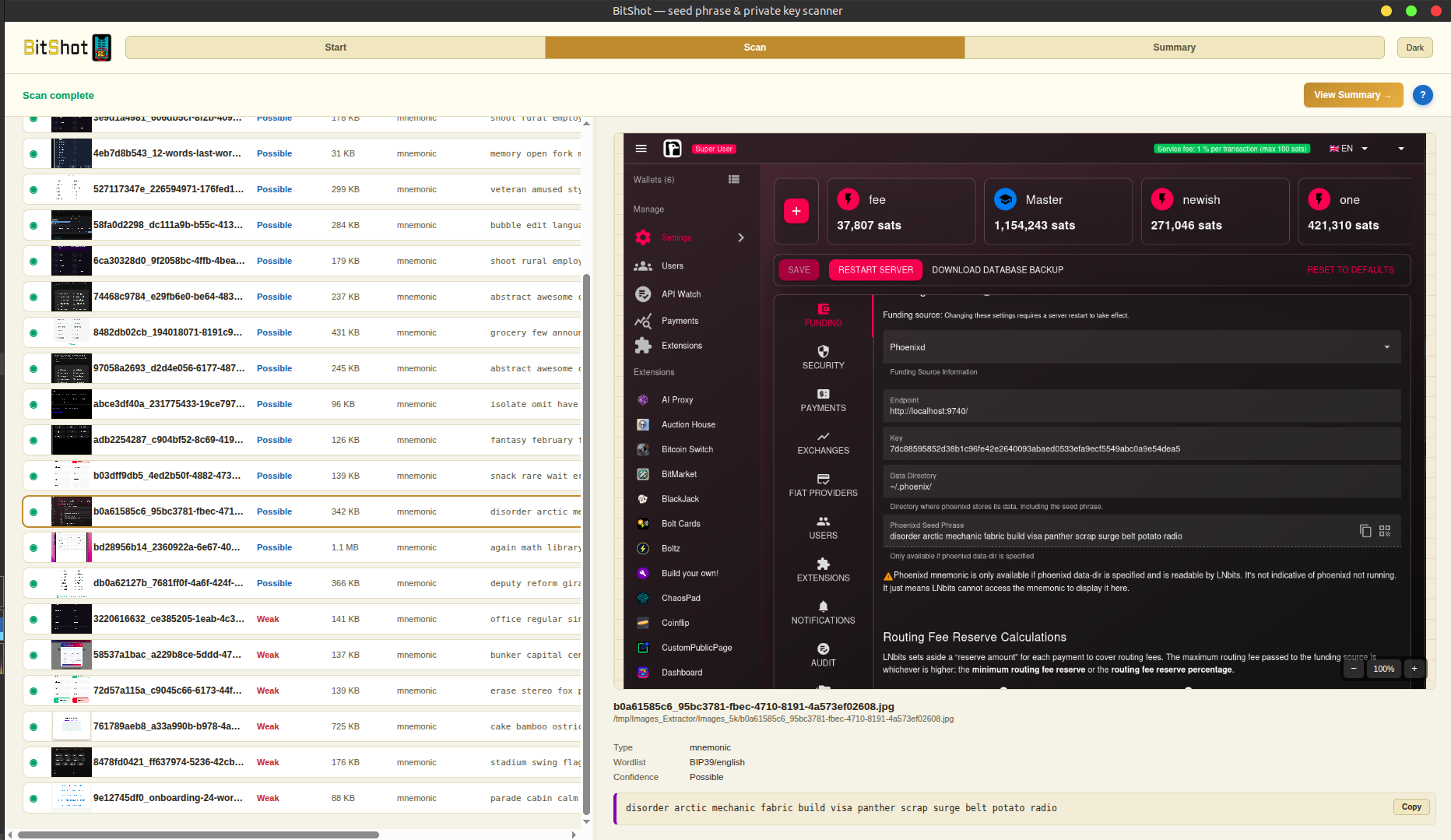
After a bit we have our 5 results: 4 with mnemonics and 1 with a private key. No QR codes were found in our set. We can preview the results in-app.
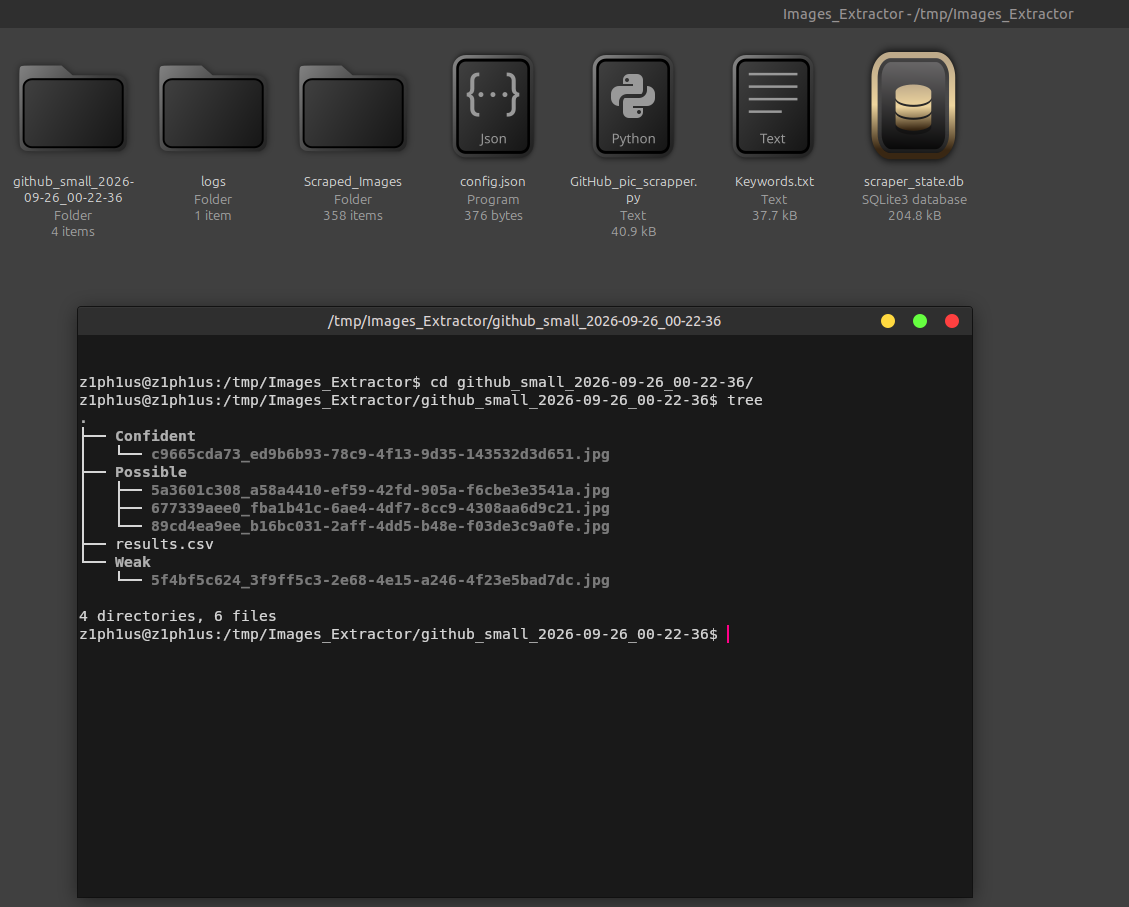
The scan is complete, and we can observe results in the folder where we pointed to save findings to.
$ cd github_small_2026-09-26_00-22-36/
$ tree
.
├── Confident
│   └── c9665cda73_ed9b6b93-78c9-4f13-9d35-143532d3d651.jpg
├── Possible
│   ├── 5a3601c308_a58a4410-ef59-42fd-905a-f6cbe3e3541a.jpg
│   ├── 677339aee0_fba1b41c-6ae4-4df7-8cc9-4308aa6d9c21.jpg
│   └── 89cd4ea9ee_b16bc031-2aff-4dd5-b48e-f03de3c9a0fe.jpg
├── results.csv
└── Weak
    └── 5f4bf5c624_3f9ff5c3-2e68-4e15-a246-4f23e5bad7dc.jpg

4 directories, 6 files
All 5 findings presented together with a .csv file.
Step 3 — Scanning a Bigger Set
We can proceed scanning a bigger set now. I took 5k random images from my 16k set and moved them to our testing folder.
$ ls Images_5k/ | wc -l
5000
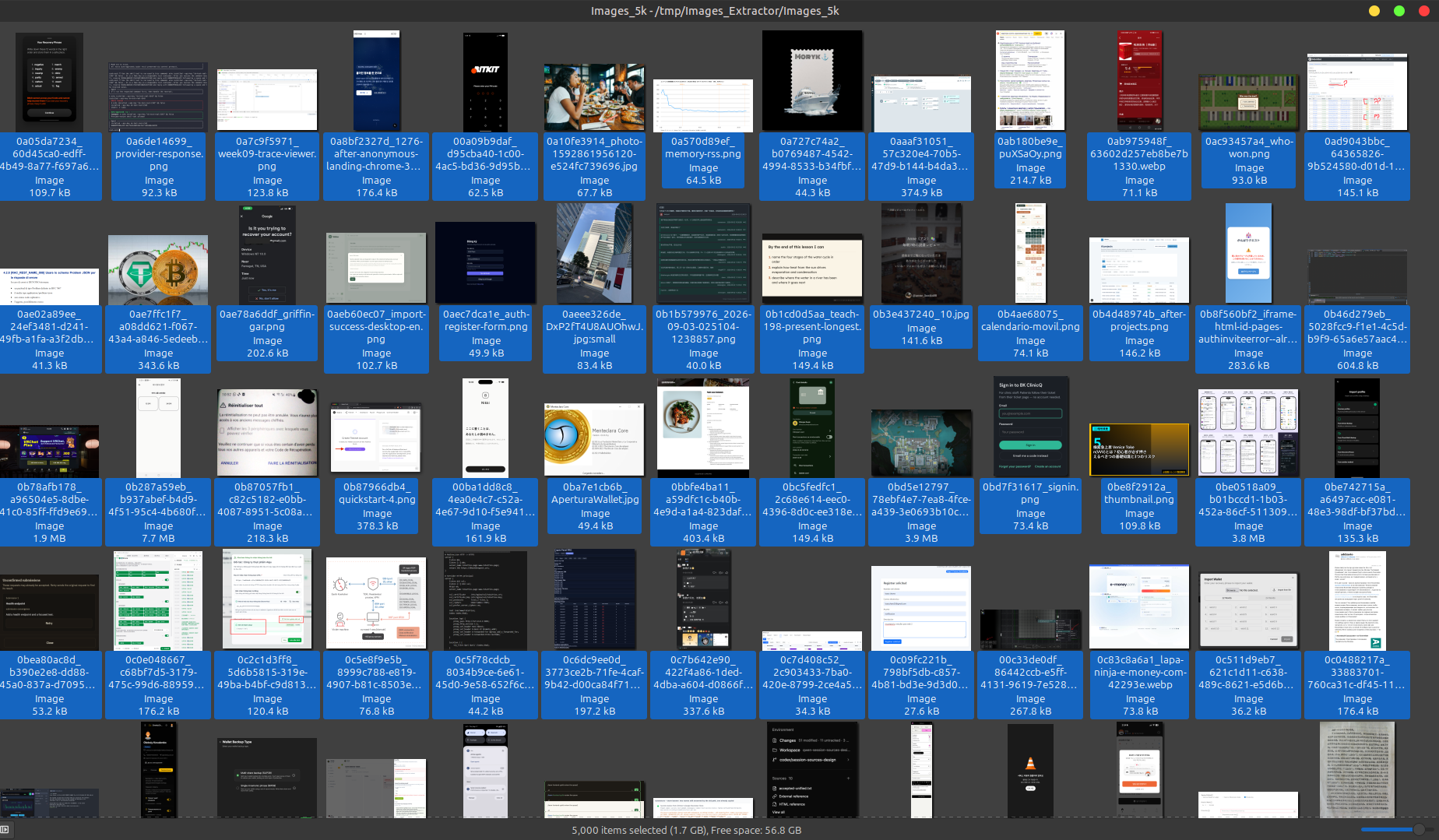
We can take a look there as well and already see some wallet images presented.
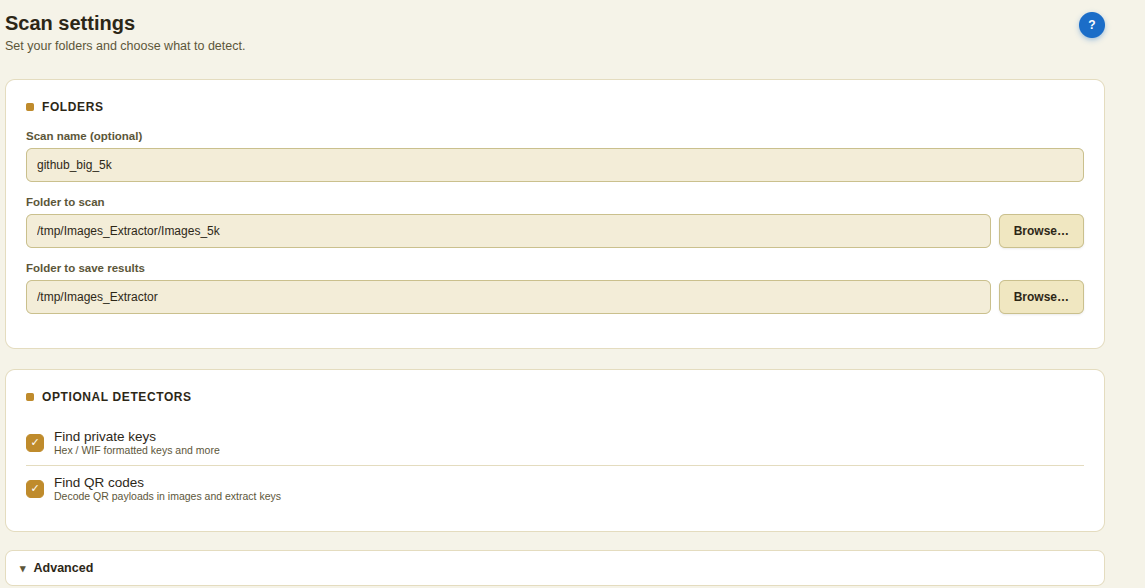
We can start a new BitShot scan with our bigger set and see what will we get. Updating our settings again to direct the program to the new folder and clicking Start Scan.
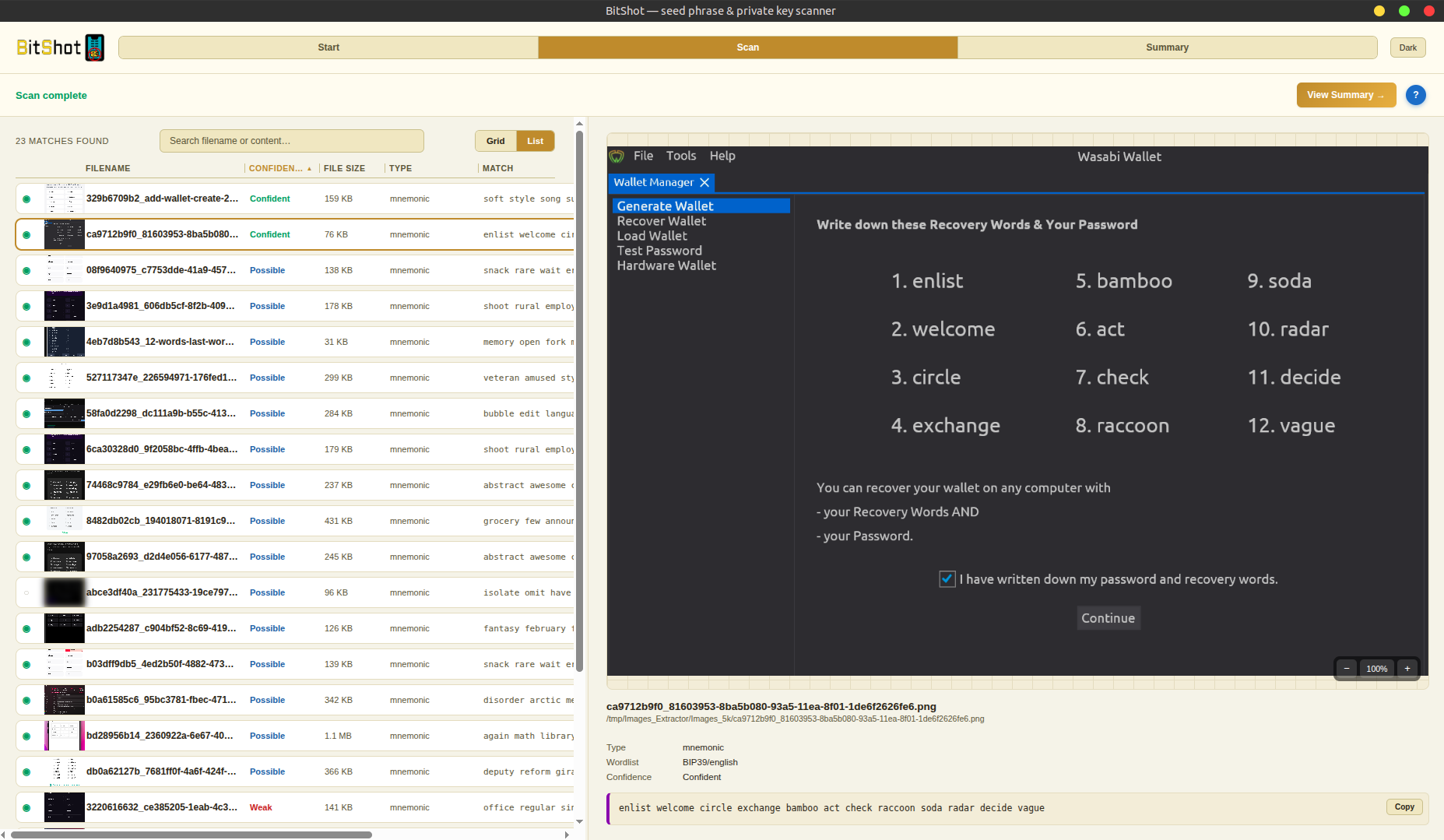
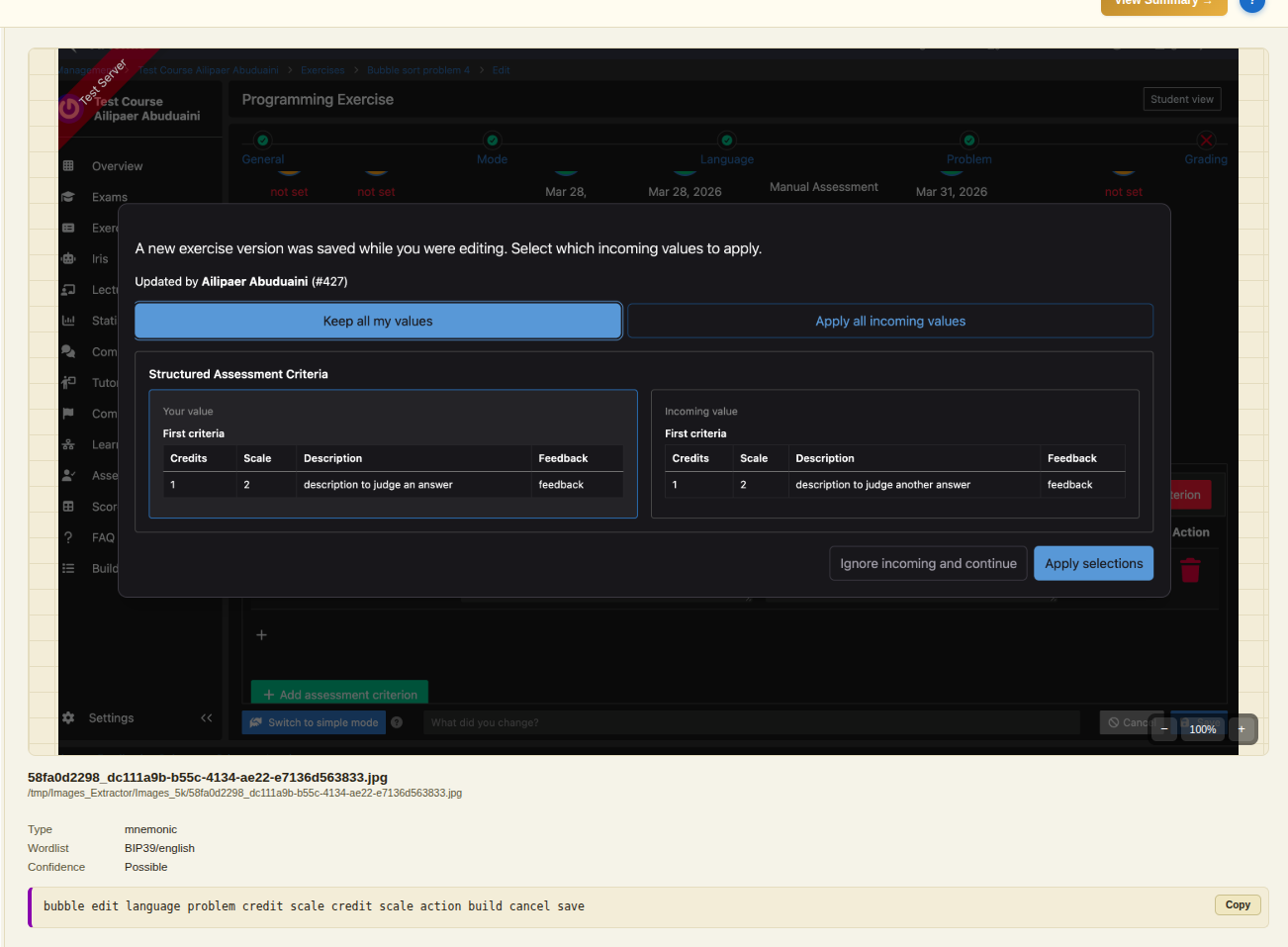
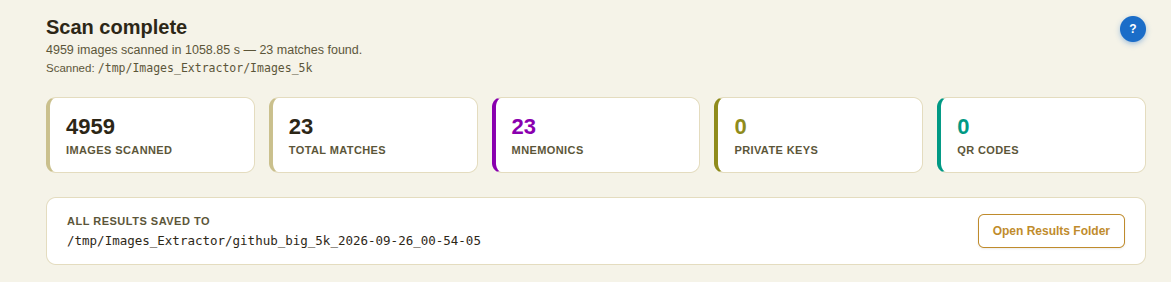
After 17 minutes we got results: 23 matches of mnemonic screenshots and 1 false positive with a grid structure of some web app, which is unavoidable with large amounts of images.
The Summary
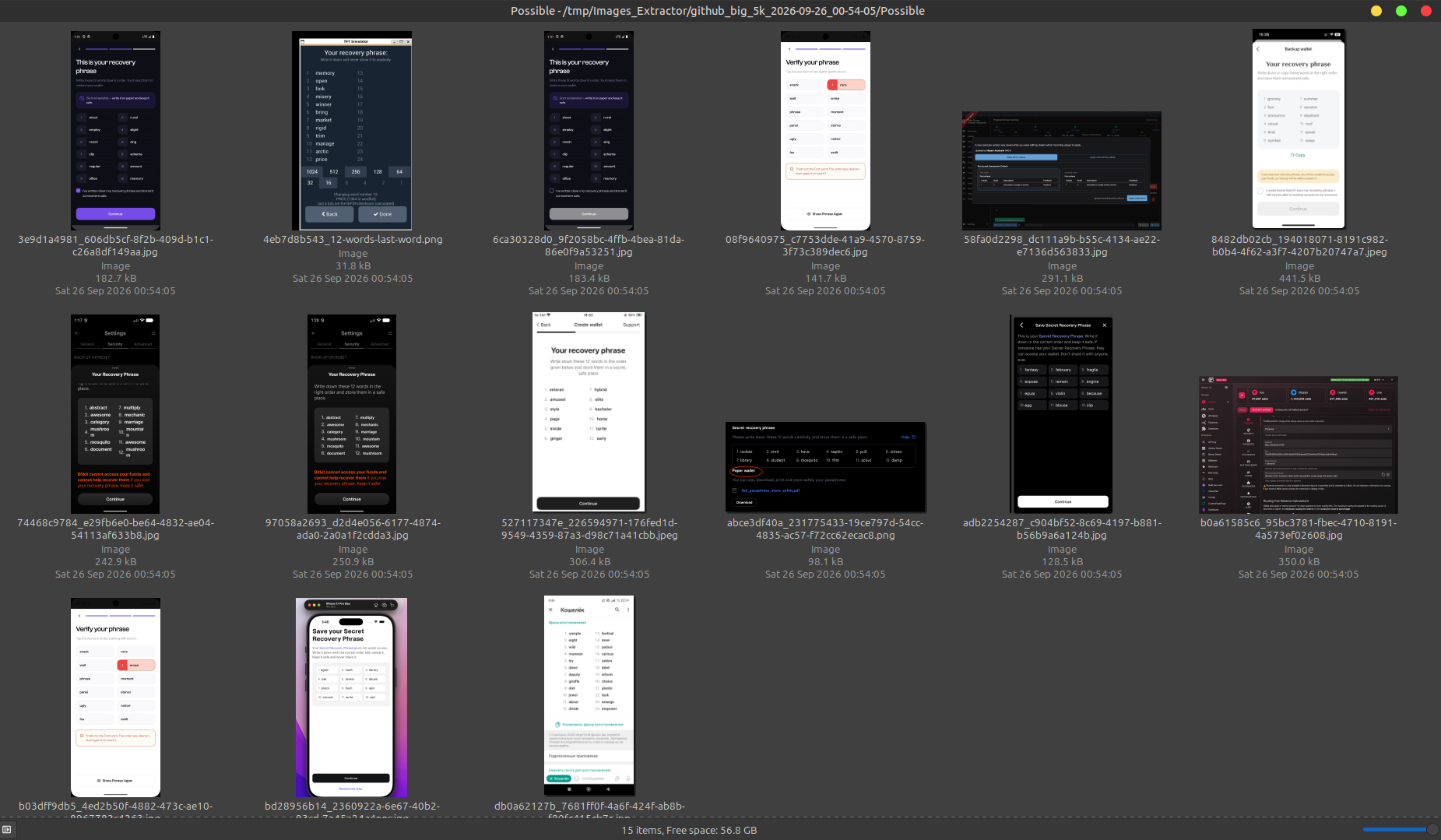
Some of our results we found:
This is the scheme I wanted to present. Some links:
- Link to GitHub image scraper: GitHub (GitLab mirror: GitLab)
- Link to BitShot app: bitshot.org